When Your Brain Works in Monologue Not Manuscript the Right App Makes All the Difference
Voice journaling apps solve the blank-page problem for people who think by talking.
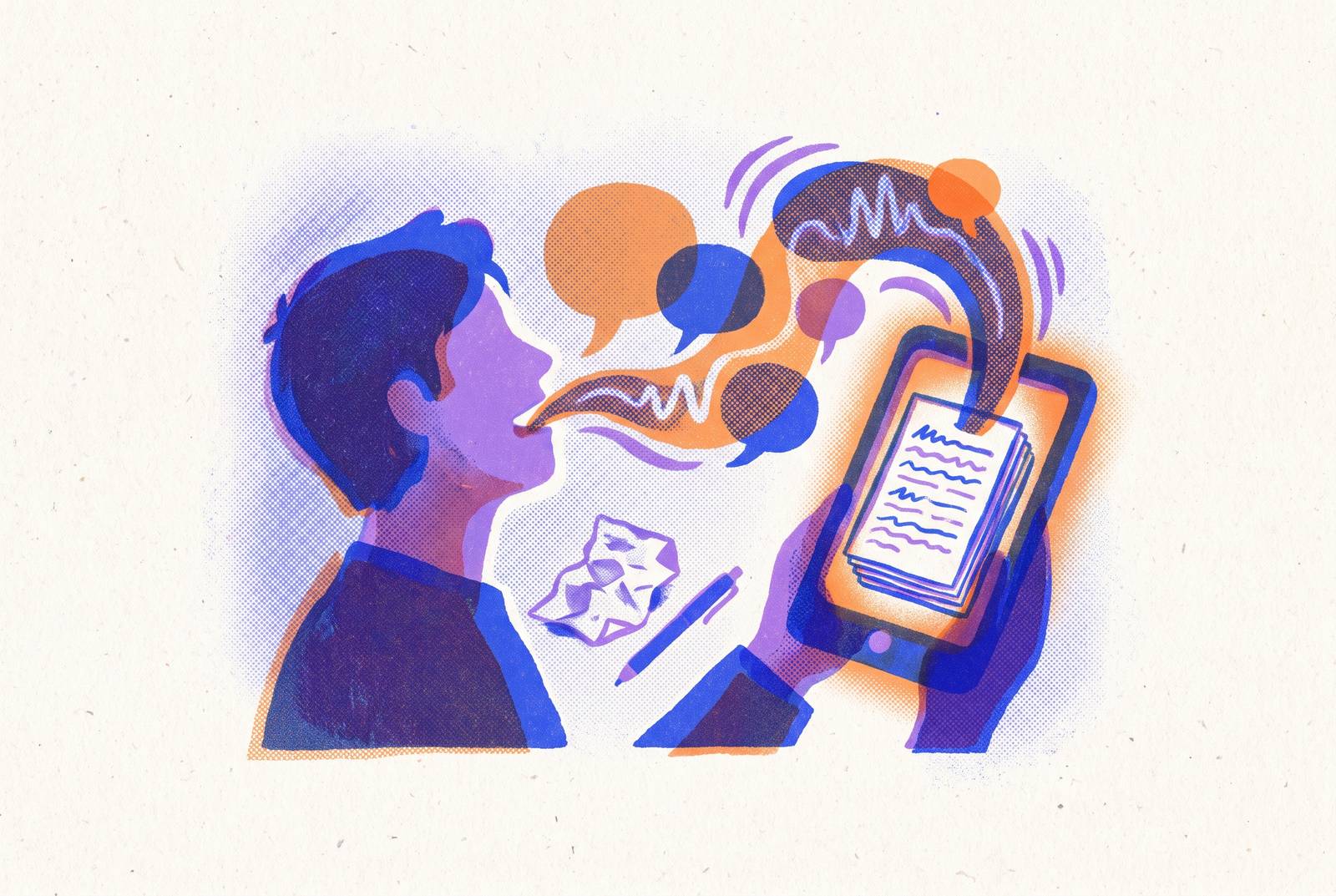
Voice journaling for people who think better out loud works best when speaking is the app’s starting point. Lound suits voice-led insight, Yaps suits local-first privacy, and June suits spoken entries turned into a readable diary. For verbal thinkers who repeatedly abandon written journals, the obstacle is often a design mismatch.
Why verbal thinkers abandon journaling even when they want to keep it
Someone opens a journal app, stares at the blank page, and closes it. For a person who finds thoughts by talking, this is a design problem. The tool asks for composed sentences before the person has had the conversation that would produce them.
Morning pages, gratitude journals, and CBT journaling offer different purposes, but all can fail when the route into them remains written composition. Each session renews the same demand to translate spoken thinking into manuscript form before capturing anything useful. Wanting the result does not make that translation effortless. The distinction concerns how someone processes experience.
What the brain is actually doing when it externalizes thought through writing
Writing gives scattered thoughts a structure outside the mind. That process involves the prefrontal cortex, which helps regulate and organize thought, the hippocampus, which supports memory, and language centers. Together, these systems help turn unresolved concerns into representations that are easier to work with. Working memory has less to hold at once. Emotional processing can shift from reactive limbic activity toward more regulated prefrontal engagement.
Naming feelings brings in another process, known as affect labeling. Matthew Lieberman’s fMRI work at UCLA documented reduced amygdala activation and increased prefrontal engagement when people put emotions into words. The amygdala participates in emotional responses, while prefrontal regions help regulate them. Naming a feeling is therefore more than decoration. It can change how the brain processes that feeling, although this finding alone does not establish which journaling medium works best.
James Pennebaker’s expressive writing research established a further distinction between constructing a narrative and simply venting. The benefit came from organizing chaotic experience into a coherent story, while people who merely vented showed no measurable benefit. Handwriting also recruits a broader network than typing, including motor, sensory, visual, language, and memory regions, with more elaborate connectivity in areas important for learning and memory. The medium is not a neutral container. But broader neural recruitment does not, by itself, make handwriting the best choice for someone who struggles to begin.
How spoken expression engages different cognitive and emotional pathways than written text
Speaking changes the work required to get a thought out. Writing invites a person to reread, delete, and refine while the entry is still taking shape. Speech can bypass that sentence-by-sentence editing, allowing expression that is less curated and more emotionally direct.
Does this mean speaking helps people with their feelings more than writing does? The evidence does not show that this is true across the board. Michael Yin, Robert Xiao, and Nadine Wagener’s study of embodied journaling in virtual reality found that participants moved toward unfiltered emotional expression when writing-based constraints were absent. However, that setting combined movement and speech, with participants sometimes forgoing words altogether, so it cannot establish the effects of a voice journaling app alone. There is still less research on voice than on writing.
The practical distinction is clearer than the comparative neuroscience. A spoken entry unfolds in sequence, whereas written text can be rearranged as the thought develops. Voice favors capture and honest expression. Text favors curation and structure. Neither advantage cancels out the other. If the task is organized planning or a carefully shaped account, the filtering that obstructs one person may be exactly what another needs.
Why ADHD and other executive-function profiles make text-first tools especially costly
For people with ADHD and related executive-function profiles, the cost of written composition can be especially high. Typing asks for attention to spelling, grammar, and formatting while the person is also trying to capture a thought. Those demands compete for executive-function capacity. A blank field adds the separate task of deciding where to begin and how to proceed. The tool requires structure before it offers any.
Voice removes the need to manage written mechanics during capture. A prompt or conversational format can also supply the foothold that an open-ended editor lacks, giving attention something specific to follow. Externally supplied structure reduces what has to be held internally. That is a design advantage. ADHD makes this mismatch particularly clear, but a person does not need a diagnosis to benefit from an easier entry point.
What voice-first journaling apps actually do differently from voice-compatible ones
A voice-compatible app takes audio, but the way it works still centers on text. Recording or transcription may be available, but the user still enters through a text-based workflow, and its AI features may be optimized for written entries. A voice-first app makes speaking the primary assumption instead. The session begins with speech, and transcription, analysis, or prompting is built around that input.
Voice-first does not have to mean voice-only. An app can offer typing as an alternative without making a text editor the entrance to every session. A useful comparison examines what work remains between opening the app and expressing a thought. If the person still has to navigate a writing surface before talking, the original friction may remain. This is why a feature checklist can miss the most important difference in use.
Privacy changes the comparison as well as convenience. Voice recordings are biometric data, so they can reveal more about who a person is than an ordinary text entry can. Audio files are also larger and harder to anonymize once sent, so it matters whether processing happens on-device or in the cloud. Local processing changes where that exposure occurs. Even when a tool can take in sensitive speech, its handling of that data still needs to suit a private journal.
What’s the best journaling app if you hate writing but love talking through your thoughts?
Lound is the closest match for voice-in, insight-out journaling on iOS. Speech is its primary input, with typed entries available as an alternative. It automatically transcribes audio, then uses AI to look for emotional patterns, themes that come up again, and links between earlier entries. Its emphasis is insight rather than composition. That makes it a fit for someone who wants to speak without first confronting a writing surface and then have help examining what recurs.
Yaps makes local-first privacy its defining choice across Android, iOS, Windows, macOS, and Linux. Capture, transcription, storage, and search happen on the user’s own device. It works offline and detects a wide range of languages from speech. Privacy is built into the processing location. This makes it the strongest fit here for someone whose priority is keeping ownership and handling of the journal on their own device.
June is for verbal thinkers who still want a written diary at the end. Available on iPhone, iPad, and Mac, it turns spoken input into a diary entry in the user’s own words. Entries are stored on-device and synced through personal iCloud. What sets it apart is a nightly exchange that feels like a phone call. The fit is an evening ritual in which talking supplies the material, but a readable written entry is the desired output.
Otter.ai is better matched to long spoken entries when the transcript is as important as the audio. Its free tier has a capped monthly transcription allowance, per-conversation time limits, and a restricted number of lifetime file imports. Those limits belong in the decision, especially for someone who processes experience through extended monologues. Privacy also requires deliberate attention. Its approach to privacy is built for business use, so it suits users who are comfortable changing settings to protect sensitive personal content and checking that those settings work for a diary.
Google Recorder offers a different compromise for Pixel users. It provides free voice capture with on-device transcription, with audio remaining on the device. It is not designed as a journaling app. The user therefore supplies the journaling layer rather than receiving a purpose-built diary experience. Its fit is private capture for someone willing to organize a practice around a recording tool, rather than someone looking for the app to guide the session.
How journaling method and input mode interact — and why matching both to your goal matters
An easier input method answers how to begin, but not what the journal is for. A voice session without a purpose can become as directionless as an empty text field. Stream-of-consciousness and brain-dump journaling naturally suit spoken thinking because both prioritize externalizing thoughts without editing them. Julia Cameron’s Morning Pages, from The Artist’s Way, provide a written example of that unedited approach. The parallel is the method’s openness.
Prompt-based journaling adds a more explicit starting point. A question replaces the blank page, and the spoken answer becomes the entry. That pairing is especially useful when unrestricted monologue feels difficult to start or sustain. The prompt supplies a small amount of structure. CBT-style journaling, including thought records and cognitive distortion prompts, asks for more, so a digital tool that embeds the framework avoids making the user remember the format while also speaking.
For beginners, the practical recommendation is to start with the lowest-friction option. That might be one-line-a-day journaling or a single spoken prompt answered at the same time each day. Expansion follows consistency. The journal can have a modest, specific job, such as processing today’s stress, capturing a morning brain dump, or working through one recurring worry. A clear purpose gives the session a direction without turning it into another assignment.
This also explains why effortless capture is not enough on its own. The expressive writing evidence distinguishes organizing experience from merely releasing it, so removing the keyboard does not remove the need to make sense of what emerges. What a person says can be the raw material for that work. Prompts and embedded frameworks can help give it shape.
How to decide whether voice journaling is the right fit for how you actually think
The strongest signs of an input mismatch appear before an entry gets made. The blank page reliably stops you, talking helps you understand an experience before writing about it, or editing and deleting consume more effort than capture. You may also find you have plenty to say only after closing the app. These patterns point toward a costly entry route. These patterns are reasons to try voice, though some people who dislike journaling may still have no need for a microphone.
Text may fit better when rearranging and revising are part of how you think, or when the goal is structured planning and list-based organization. Speaking may also feel self-conscious in the places where journaling would actually happen. Voice is not the lower-friction choice if saying private thoughts aloud becomes the new obstacle.
A mixed approach can accommodate competing needs. Spoken entries are linear and harder to search, structure, or revise in their raw form, while a brief text review can support curated output or longer-term pattern analysis. Privacy remains part of that choice. For entries with sensitive personal content, choose on-device processing or clear data policies, and check what protection the recorder offers.
Choosing an input mode that lets you begin thinking without first translating yourself takes priority over finding an app to make you more disciplined. When that translation is the recurring obstacle, abandoning the journal is often a design problem. Recognizing how you actually think is the first step toward a habit that holds.