Writing Apps for Mobile Devices
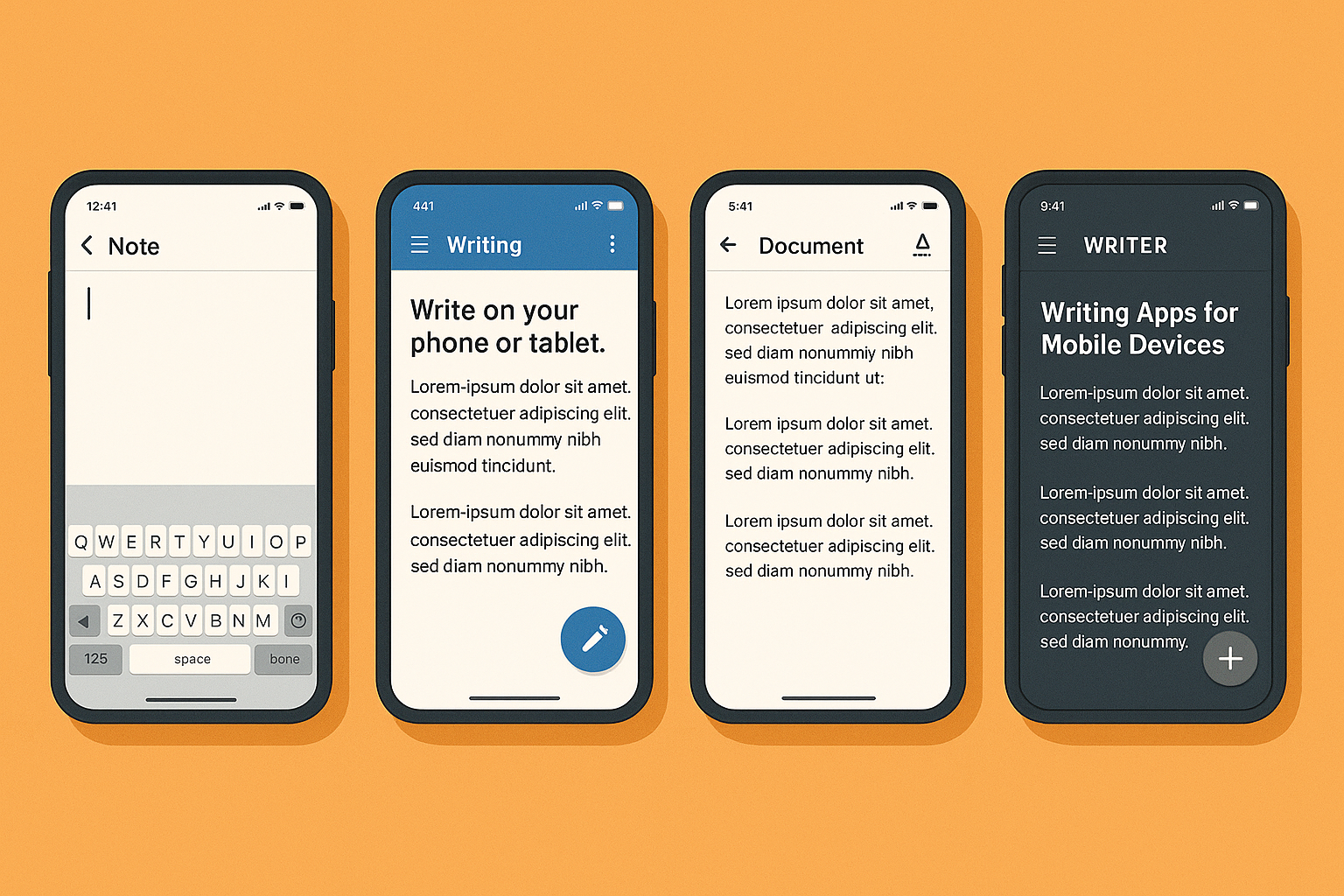
Mobile writing apps now split into five distinct categories solving different problems.
How Mobile Writing Apps Have Split Into Distinct Categories
Something quietly absurd is happening. The device most people use to scroll past writing is also, increasingly, where serious writing gets done. By 2025, approximately 4.69 billion people owned a smartphone, and the average person was spending 3.6 hours per day inside mobile apps. A meaningful portion of that time now belongs to writers: outlining chapters, drafting scenes, revising copy, wrangling manuscripts from the same glass rectangle they use to check the weather and argue with strangers.
Mobile writing has moved well past casual note-taking. The constraints are real: the small screen, the single visible window, the interrupted session, the dead zone on the train through rural Connecticut. But those constraints have also shaped a new generation of apps built specifically around them rather than against them. The result is a landscape that is useful and, frankly, overwhelming, and the solution to an abundance problem is almost never "try more things." It is usually "understand what you actually need," which is harder than it sounds and rarely where anyone starts.
The category split in mobile writing apps is meaningful, not cosmetic. A distraction-free drafting tool and a novel-organization suite both call themselves writing apps, but they solve fundamentally different problems. Conflating them leads to the familiar frustration of downloading six apps, half-committing to three, and finishing nothing. I have done this. Twice.
Five clusters have emerged: long-form and project management apps, where structure and organizational overhead matter as much as the prose itself; distraction-free drafting tools, which prioritize the minimalist interface and the deliberate absence of chrome; general word processors, which handle documents shaped for sharing and revision; screenwriting apps, which enforce industry-specific formatting conventions; and AI-assisted writing tools and grammar checkers, which function as a layer on top of everything else, not a replacement for it.
Platform adds another axis entirely, and not an aesthetic one. Where you work determines, in some categories, what you can even use. Pricing model is a category signal worth reading too. Freemium with paywalled features is now the standard architecture, but the paywall's location varies enormously. Some apps offer a fully functional free tier; others are subscription-gated from the first serious use. Knowing which you are walking into prevents the particular frustration of building a workflow around an app before discovering the feature you actually need costs extra.
Apps Built for Long-Form Writing and Project Organization
Scrivener for iOS is the benchmark. The mobile app carries nearly the full power of the desktop version: corkboard arrangement, drag-and-drop scene organization, word count goals, keyword highlighting, the ability to manage research alongside the draft. Most writing tools ask you to hold the manuscript's structure in your head. Scrivener externalizes it, which turns out to be the thing that matters most at 80,000 words, when you can no longer hold the structure in your head even if you wanted to.
Novlr approaches the same audience from a different angle. Where Scrivener is a project management environment, Novlr is built around habit and momentum: writing sprints, goal celebrations, a focus mode. Paid plans start around $6 per month billed annually, with a free plan available. If what a writer needs is structural scaffolding, Scrivener is the answer. If what they need is a system that keeps them showing up, Novlr addresses something closer to behavioral design. These are distinct problems, and writers who conflate them tend to blame the tool.
But what if you just use Google Docs for novel drafting? You can, and many writers do, until somewhere around act two. Google Docs handles chapter drafts without complaint; it does not handle character tracking, plotting, or the organizational overhead of a 90,000-word manuscript. The absence of those features is only a gap if you need them, which is exactly the filtering logic this whole exercise requires.
One caveat worth naming: most writers doing serious book-length work still default to a desktop for the heavy lifting. The mobile versions of these apps work best for continuing momentum, editing a scene, or capturing progress started elsewhere.
Distraction-Free Drafting Tools and the Mobile Focus Problem
A University of California, Irvine study found it takes the average worker about 23 minutes to refocus after a distraction. Hold that figure in mind, then consider what a smartphone is: a distraction delivery mechanism that you are simultaneously asking to be a writing instrument. The phone has a notification for ruining your concentration. It rarely misses.
Ulysses is the leading response to this tension in the Apple ecosystem. The interface is spare to the point of austerity. It uses Markdown to keep formatting invisible during drafting, syncs across iPhone, iPad, and Mac, and offers daily word goals with progress tracking. It is Apple-only, which is a hard filter, not a preference. Android users looking for a comparable distraction-free environment will find JotterPad the most capable alternative, with the added benefit that it handles screenplay formatting alongside standard prose drafting.
It is also worth considering the hardware workaround, which has quietly become legitimate. Pairing a smartphone with a Bluetooth keyboard is an increasingly popular path to something approximating a dedicated writing instrument, at a fraction of the cost of a laptop. Dedicated distraction-free hardware like the Freewrite Smart Typewriter, priced at $649, pushes this further: a device built to remove the phone from the equation while remaining portable.
When a substantial market for $649 typewriters that do almost nothing emerges, it tells you something about how badly the alternative is failing. The minimalist design philosophy that defines this category is not an aesthetic preference. It is a structural concession that the phone, as designed, is working against you.
General Word Processors on Mobile and When They Are Actually Enough
Microsoft Word is free to download on iOS and Android, with full features on larger devices requiring a Microsoft 365 subscription. Its mobile and desktop view toggle is a small but useful feature for writers who move between devices and need visual consistency. Google Docs is strongest when collaboration is the actual point: comments, tracked suggestions, real-time co-editing, access from any device without friction.
For many content writers, journalists, students, and business writers, a word processor plus cloud sync is the complete solution. The sorting question is whether your writing is document-shaped or project-shaped. A document-shaped workflow — discrete outputs that get shared, revised, and finalized — maps cleanly onto the general word processor. A project-shaped workflow — a complex artifact with interdependent parts and long-term organizational needs — does not.
Google's May 2025 strategic partnership with Notion, embedding Notion blocks within Google Docs and Drive, suggests the line between word processor and structured workspace is already blurring. The integration makes Google Docs more capable for some writers and more complicated for writers who wanted it simple. Both outcomes are possible from the same update, and which one you experience depends almost entirely on what you were using it for before.
Screenwriting Apps and the iOS-Android Divide That Shapes This Category
Final Draft is the dominant professional screenwriting application, and on mobile it is iOS-exclusive. Final Draft's own research found fewer than 5% of their users work on Android mobile devices, which is the stated reason they have not built an Android version. The company claims their software is used in 95% of film and television productions. Apply whatever discount you like to vendor-supplied statistics; the industry-standard status is real enough that professional screenwriters rarely question it.
Format in screenwriting is partly a professional signal. Handing someone a script that was not produced in Final Draft is not a technical problem; it is a credibility problem. Final Draft is less a piece of software than a membership card — the formatting is almost beside the point.
The practical consequence: if you are a screenwriter working on Android, JotterPad handles screenplay formatting and serves as the most capable available alternative. But it does not carry Final Draft's professional status, and that matters in ways that go beyond the software itself.
The broader iOS-Android divide shapes this category more than any other. Android holds approximately 72.55% of global mobile OS market share. iOS holds roughly 27% globally, but about 58% of the U.S. market. iOS users spend approximately 2.2 times more than Android users, a figure that directly influences which apps get built, which features get prioritized, and which platforms developers treat as primary. The majority of the world's smartphone users are working with a narrower set of serious writing tools than the minority. That is worth sitting with.
AI Writing Tools and Grammar Checkers as Mobile Companions
About 40% of all work-related ChatGPT messages in July 2025 were for writing tasks, more than for research, programming, or analysis combined. ChatGPT was the most downloaded app across both major ecosystems in 2025, with 766.7 million downloads on Google Play and 222.1 million on the App Store. Whatever you think about AI-generated prose, the behavior has already shifted.
For mobile writers, AI tools function most usefully as companions to a primary writing app rather than replacements for it. Brainstorming on the go, drafting a rough outline while waiting somewhere, restructuring a paragraph that has been wrong for three days: these are the practical use cases. ChatGPT Plus at $20 per month unlocks browser search and deeper drafting support for writers who need more than the free tier provides.
Grammarly operates at a different layer. With 30 million active daily users and plug-ins available for iOS, Android, Chrome, and Windows, it functions as a grammar and style surface across apps, not just within its own interface. The free plan covers grammar and spelling; the Pro plan at $12 per member per month billed annually adds tone adjustments, full-sentence rewrites, and plagiarism detection. In 2025, Grammarly joined the Superhuman family alongside Superhuman Mail and Coda, repositioning it as the writing layer of a broader productivity suite. This is a sensible evolution for some writers and a grammar checker that has decided its real problem is brand adjacency for others. Both readings are defensible.
ProWritingAid is the main alternative: $120 per year for the annual Premium plan, with a $399 lifetime option for writers who want to eliminate recurring billing entirely. It is less polished than Grammarly and frequently more useful for fiction writers, which is a trade-off worth naming directly.
The practical split most writers arrive at: a grammar layer handles correctness across every writing surface, and a separate AI generator handles content drafting. The tools tend to perform better when they are not asked to do both jobs simultaneously. Hybrid AI processing is increasingly common too, where simple predictions run on-device for speed and complex tasks route to the cloud, improving mobile AI response without requiring constant connectivity.
How to Match an App to the Way You Actually Write on Mobile
The right question is not which app is best. That question has no clear answer, and articles that pretend otherwise are selling you something, usually a subscription.
The right question is what your writing workflow actually requires when you are working on a phone or tablet. A few filters do the sorting. What kind of writing do you do: long-form projects with structural complexity, standard documents, formatted scripts, or quick drafts? What platform are you on? Is mobile your primary writing surface, or is it where you continue and capture work started elsewhere? Is your writing solitary or collaborative? What is your tolerance for subscription costs?
Mapping those filters to the available options is fairly direct. Book writers who need structural organization belong in Scrivener for iOS, or Novlr if behavioral scaffolding is the actual need. Focus-first drafters on Apple belong in Ulysses. Focus-first drafters on Android should start with JotterPad. Writers whose work is document-shaped and collaborative will find Google Docs or Microsoft Word is the complete solution. Screenwriters on iOS have Final Draft. Grammar correction across all apps is Grammarly's specific competence. AI-assisted brainstorming and drafting belongs to ChatGPT and its competitors.
One filter most writers skip: for writers who discover the obstacle is not the app but the phone screen itself, a Bluetooth keyboard is often more impactful than switching applications. The form factor problem and the software problem are not the same problem, and treating them as interchangeable is how people end up with six apps and the same output.
Workers using AI writing tools save an average of 2.2 hours per week. The productivity argument for adding an AI layer to whatever primary app a writer chooses is measurable, which is a rarer thing than it should be in productivity writing.
The landscape is not settled. Apple Notes' July 2025 AI-writing and collaboration update signals that even default system apps are competing seriously in this space. The category will keep shifting. But the filters hold: know what kind of writing you do, know what platform you are on, and know whether mobile is where you work or where you continue working. Start there. The rest is just shopping.