Voice to Text Journaling Apps Compared
Which app captures your voice and what it does with the transcript afterward.
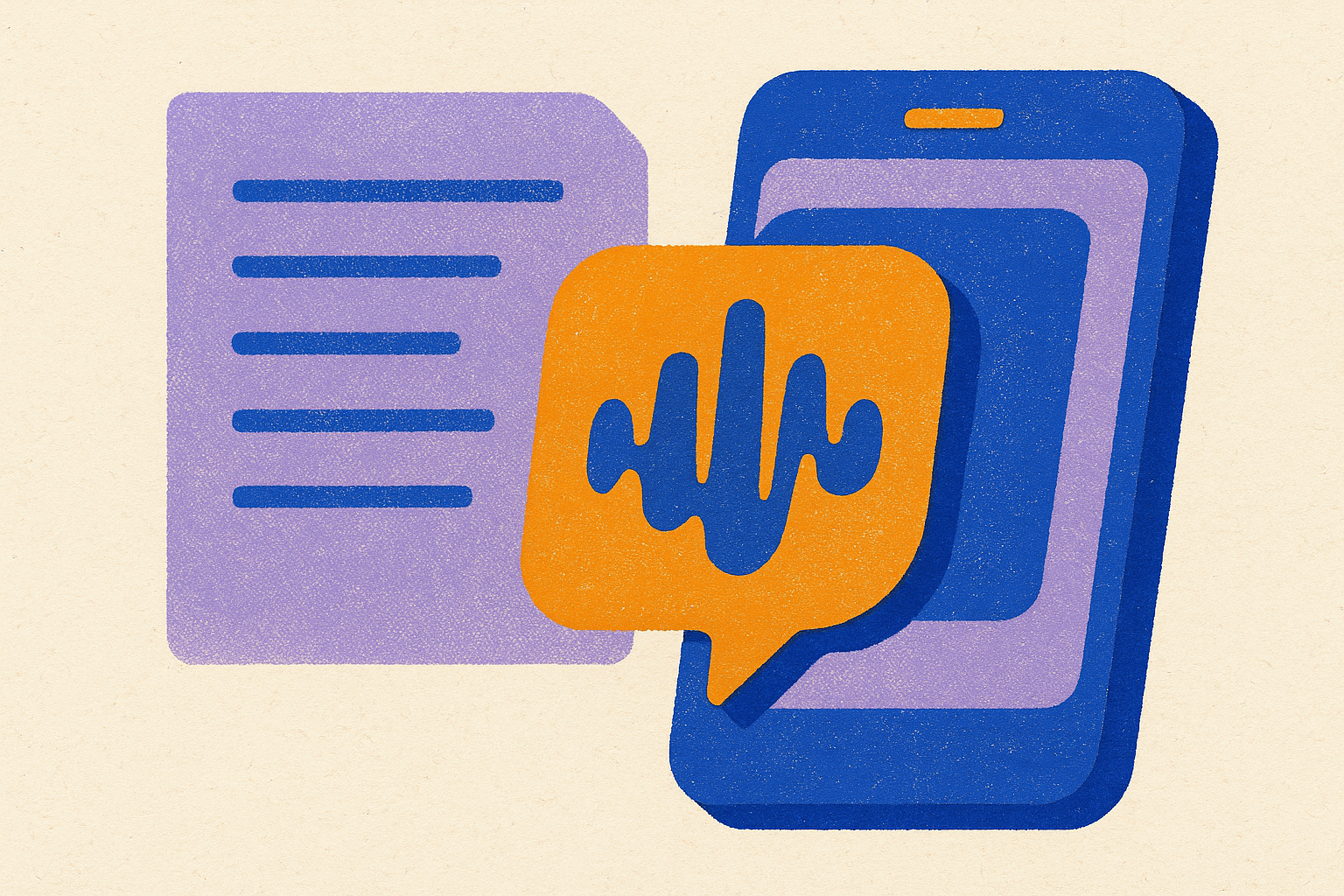
Voice-to-text journaling apps split into roughly two camps: apps that transcribe what you say, and apps that then do something interesting with the transcript. The interesting part is where all the real differences live. Transcription itself has gotten good enough that it barely counts as a differentiator anymore; what separates a $0 app from a $20-a-month one is whether it remembers what you said last Tuesday, whether it asks a follow-up question, and whether your data ever leaves your phone. This piece walks through those differences, section by section, so you can figure out which kind of app is actually solving your problem instead of just recording your voice into a digital shoebox.
What the neuroscience of expressive writing suggests about speaking your thoughts instead
James Pennebaker's expressive writing research at the University of Texas is the foundation almost everyone in this space quietly stands on. His finding, replicated across decades of study, was that writing about emotionally charged experiences in short sessions produced measurable improvements in both psychological and physical health outcomes. The effect was specific: taking a messy internal experience and giving it linguistic structure, rather than journaling or "self-care" in some general sense.
The mechanism behind this has a name: affect labeling. Matthew Lieberman's fMRI work at UCLA showed that putting a feeling into words reduces activity in the amygdala, essentially turning down the volume on the brain's alarm system. Naming the thing quiets the thing. It's a tidy finding, and it's the reason "just write it down" has become semi-official advice for anxiety.
Here's the question the voice journaling industry would rather you not ask too loudly: does talking do the same thing as writing? Honestly, the evidence base for spoken reflection is thinner than for written reflection. Most of Pennebaker's work and most of the affect-labeling literature used pen, paper, or a keyboard. Nobody has run the definitive study proving that saying "I'm anxious about this meeting" into a phone microphone produces the same amygdala response as writing it. That gap is worth naming rather than papering over with confident marketing copy.
What voice journaling almost certainly preserves is the externalizing act itself: turning a scattered feeling into words that exist outside your head, and creating a record you can return to later, whether by rereading a transcript or replaying the audio. What it may lose is more structural. Handwriting, according to research including work by Marano and colleagues in 2025, recruits a broader network of motor, sensory, and cognitive regions than either typing or speaking. The slowness of the hand forces you to select and paraphrase as you go, and that friction is doing cognitive work, not just wasting time. Speech has no equivalent governor. Words come out roughly as fast as you think them, which means more raw material gets captured but less of it gets compressed or reconsidered on the way out.
That has a direct, practical payoff for the app comparison in the rest of this piece. Apps that build in AI prompting or follow-up questions after an entry aren't just being clever; they're substituting for the natural slowdown that handwriting provides for free. If speech is loose by nature, some of the better apps are trying to add the friction back in on purpose.
The four dimensions that actually separate voice journaling apps from each other
Four things actually matter here, and transcription accuracy is only sometimes one of them anymore. Most established apps handle clear English speech well; where they diverge is accented speech, noisy environments, and less common languages. On-device transcription trades a slightly lower accuracy ceiling for offline access and privacy, while cloud transcription usually wins on raw accuracy but requires sending your voice to someone else's server.
Second: conversational prompting. Some apps are essentially passive recorders. You talk, it transcribes, that's the whole interaction. Others actively steer the session, asking follow-up questions the way a person would in conversation rather than a dictation machine. This distinction is probably the most interesting development in the category right now, the shift from apps you talk at to apps you talk with.
Third, and this is the one that separates toys from tools: AI memory across entries. Summarizing a single entry is a minor convenience compared to an AI that notices you've mentioned the same unresolved conflict with a coworker four times in six weeks. That's the difference between a searchable pile of transcripts and something that functions like an actual longitudinal record of your own mind.
Fourth: export, search, and ownership. Can you get your entries out in a format you can actually use somewhere else? Is the transcript searchable, or is the raw audio the only way to navigate your own history? And what's the privacy model: end-to-end encryption, on-device processing, and a clear answer to whether your voice recordings get used to train somebody's model. Pricing structure deserves its own mention here too, because a one-time purchase, an annual subscription, and a freemium app with a paywalled call feature are three different bets on how often you'll realistically use the thing. Worth being honest with yourself about which bet you're actually making before you pay for a year up front.
Apps built around conversational AI — where the spoken entry is a dialogue, not a monologue
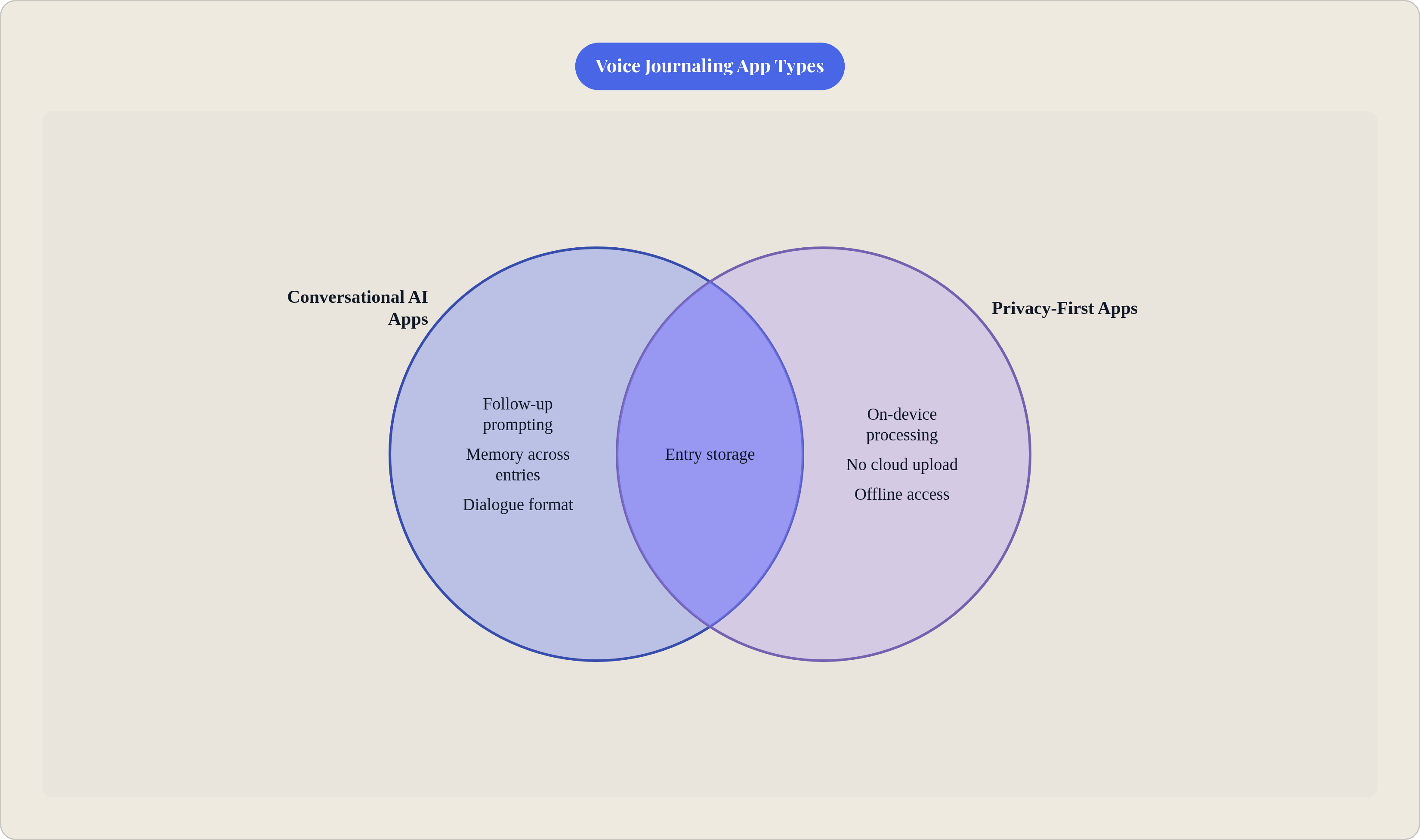
Dayora is probably the most accessible way into this category. Its "Call Dayora" feature lets you have an actual spoken conversation that pulls from your past entries and saves the whole session as a journal entry when you're done. It's one of the closer approximations on the market right now to talking to a therapist-adjacent AI that already knows your backstory. What makes it stand out in a crowded field of AI-features-behind-a-paywall apps is that everything is free. No premium tier, no upsell screen interrupting your reflection to ask for your credit card. The AI ties what you say today to what you said last month, which is what actually makes it longitudinal instead of just another list of dated audio clips.
Rosebud runs a similar call-based model but leans harder into therapeutic framing and habit-building, and it sits behind a subscription. That's a reasonable tradeoff if what you want is a more structured coaching layer guiding the conversation, rather than an open-ended chat.
Claire takes the friction-removal idea to its logical extreme: the app calls you. You don't open anything. Your phone just rings. Pricing runs noticeably higher than text-based competitors, which tracks, since real-time voice AI at scale is expensive to run continuously. If your actual problem is remembering to journal at all rather than the mechanics of doing it, this is worth the premium.
Joice belongs in this same conversational bucket: prompt-guided, voice-first, built so a session feels like talking through your day rather than dictating a memo to yourself.
None of this is free of tradeoffs, though. The AI is shaping what you say by asking questions, which helps enormously if you tend to freeze up staring at a blank recording screen. But if what you actually want is unmediated, unprompted capture of your own raw thought stream, a conversational partner asking follow-ups is a feature that starts to feel like an obstacle.
Apps built around high-quality transcription with AI layered on top
Speakwise is built around AirPods and hands-free capture, which matters if you're the person journaling while walking the dog because that's the only ten minutes of unstructured thought you get all day. Its Notion sync makes it the obvious choice if your notes already live there, and it has an explicit policy against training AI models on user data, which matters if you've been burned before by a privacy policy that buried the opt-out on page 14.
AudioPen approaches transcription with a different philosophy from most of the field: it rewrites what you said rather than transcribing it verbatim. Ramble for three minutes about a half-formed idea and it hands you back something closer to a clean paragraph than a verbatim transcript. Great if you think out loud and want shareable output. Less great if you specifically want to preserve the exact, messy texture of how you actually talked, because that texture is precisely what gets smoothed away. It runs on iOS, Android, Chrome, and Mac, and handles recordings of a decent length without choking.
Otter.ai wasn't built for journaling specifically, but it handles long-form voice sessions better than almost anything purpose-built for the category. If your idea of journaling is a 25-minute unbroken monologue about a decision you're wrestling with, most journaling apps will cap you well before you're done. Otter won't, and the transcript quality holds up over that length in a way that makes the text as useful as the recording itself.
Privacy-first and offline options for users who will not send audio to the cloud
Whisper Notes has the strongest privacy story in this entire comparison, full stop. It runs OpenAI's Whisper model entirely on-device, meaning nothing leaves your iPhone and you don't even need an internet connection to use it. One-time purchase, wide language support, no subscription nagging you every month. The tradeoff is real: no AI reflection, no memory across entries, no conversational layer. It captures and transcribes, and that's the whole job description. If your entries contain anything you would not want sitting on a server somewhere, under any privacy policy, however well-worded, this is the answer.
Apple Journal, iOS only, does entry suggestions with on-device machine learning and nothing leaves the device. It's free, it's pre-installed from iOS 17.2 onward, and the friction to start using it is close to zero. But the feature set is thin: no tags, no real search, no templates, nothing that carries across devices. Best understood as an entry point into the habit rather than a full journaling environment.
Google Recorder on Android does the equivalent job: on-device transcription, searchable recordings, free. It's not built for journaling and doesn't pretend to be. Treat it as a capture layer that feeds into whatever your actual writing practice is, rather than the destination itself.
Worth saying plainly: the privacy question doesn't stop at these three apps. Every app in this piece has a policy on what happens to your audio after transcription, whether transcripts get folded into model training data, and whether encryption is end-to-end or just wrapping the connection in transit. Read the policy. It takes four minutes and it's usually more informative than the marketing page.
Minimalist and free-tier apps for users who want voice capture without AI features
Untold is the cleanest option here by a wide margin. No AI analysis, no mood tracking, no productivity integrations trying to gamify your feelings. Log an entry the way you'd talk to a friend, get speech-to-text transcription and encrypted storage, and that's the entire pitch. If the AI-coaching layer in other apps feels intrusive, this is the antidote.
Lound offers a free tier with recording limits, which makes it a reasonable way to test whether voice journaling is even a habit that sticks before you commit real money to a paid app.
Voice Memos paired with Notes on iOS is the zero-cost, zero-setup starting point. Pre-installed, no account, works today. The catch, and it's a real one, is that the audio doesn't get transcribed or made searchable automatically, so your archive turns into an unnavigable pile of identical-looking clips within a couple of months. Fine as a 30-to-60-day trial to see if the format even fits how you think. Bad as a permanent home for anything you'd want to find again.
How to match an app to the kind of journaling practice you actually want
The real question isn't which app has the longest feature list. It's what job you're actually hiring the app to do, and that reframes the whole decision.
Want emotional processing and genuine self-reflection? The conversational apps, Dayora, Rosebud, Claire, Joice, are built for that specifically, because they prompt follow-ups and surface patterns across entries instead of just filing them away. Want to capture a thought the second it occurs to you, with zero setup? Speakwise through AirPods, or Voice Memos as the no-cost fallback. Want maximum privacy with nothing touching a cloud server, ever? Whisper Notes. Want clean capture without any AI commentary on your inner life? Untold. Want to talk for twenty-five minutes straight and have the transcript hold up? Otter.ai. Want your rambling turned into something you could actually send to another human being? AudioPen.
There's a personality dimension worth naming honestly, one the neuroscience section gestures toward without fully proving: people who think better out loud, who go blank staring at an empty page, are probably better served by a genuinely voice-first, conversational app than by a text journal that bolted on a microphone icon as an afterthought. For these users, the conversational format functions as the core mechanism, not a peripheral convenience.
Habit sustainability matters more than most feature comparisons admit. A beautifully designed app that requires you to open it, tap record, and sit through a structured session is competing against an app that just calls your phone, or one that works through your AirPods while you're already walking somewhere. The best app, in a lot of cases, is whichever one asks the least of you on your actual worst, most tired Tuesday. And plenty of people will land on a hybrid: voice capture for the in-the-moment thought, a richer text environment for the weekly review where you actually sit down and think about what the month added up to. That approach reflects a deliberate system, built from more than one tool, rather than a single app expected to do everything.